
Posted needs: announcements between companies
Post what you are looking for, answer what others are looking for, and shortlist the good replies.
Posted needs is the announcement board between companies in your country: you say what you are looking for, the right companies are told, and you choose. It also works outside tenders, for a transporter or equipment rental.
Read the announcements
Open Posted needs in the Network menu (on a phone, the Network tab, then Posted needs). Filter by role, sector, region or keyword. Each announcement says what is wanted: sub-contractor, supplier, co-bidder or service provider.
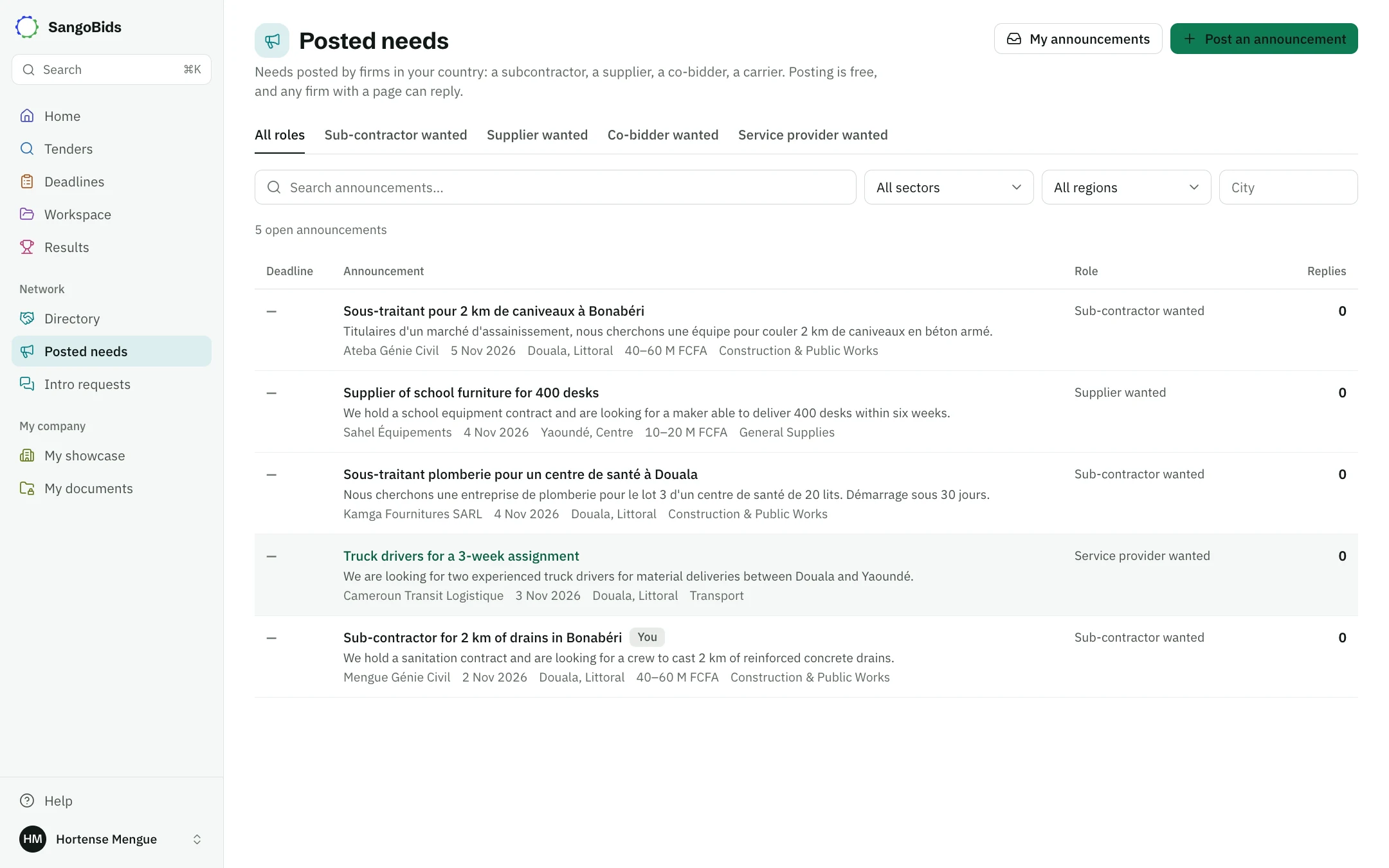
Computer
Post an announcement
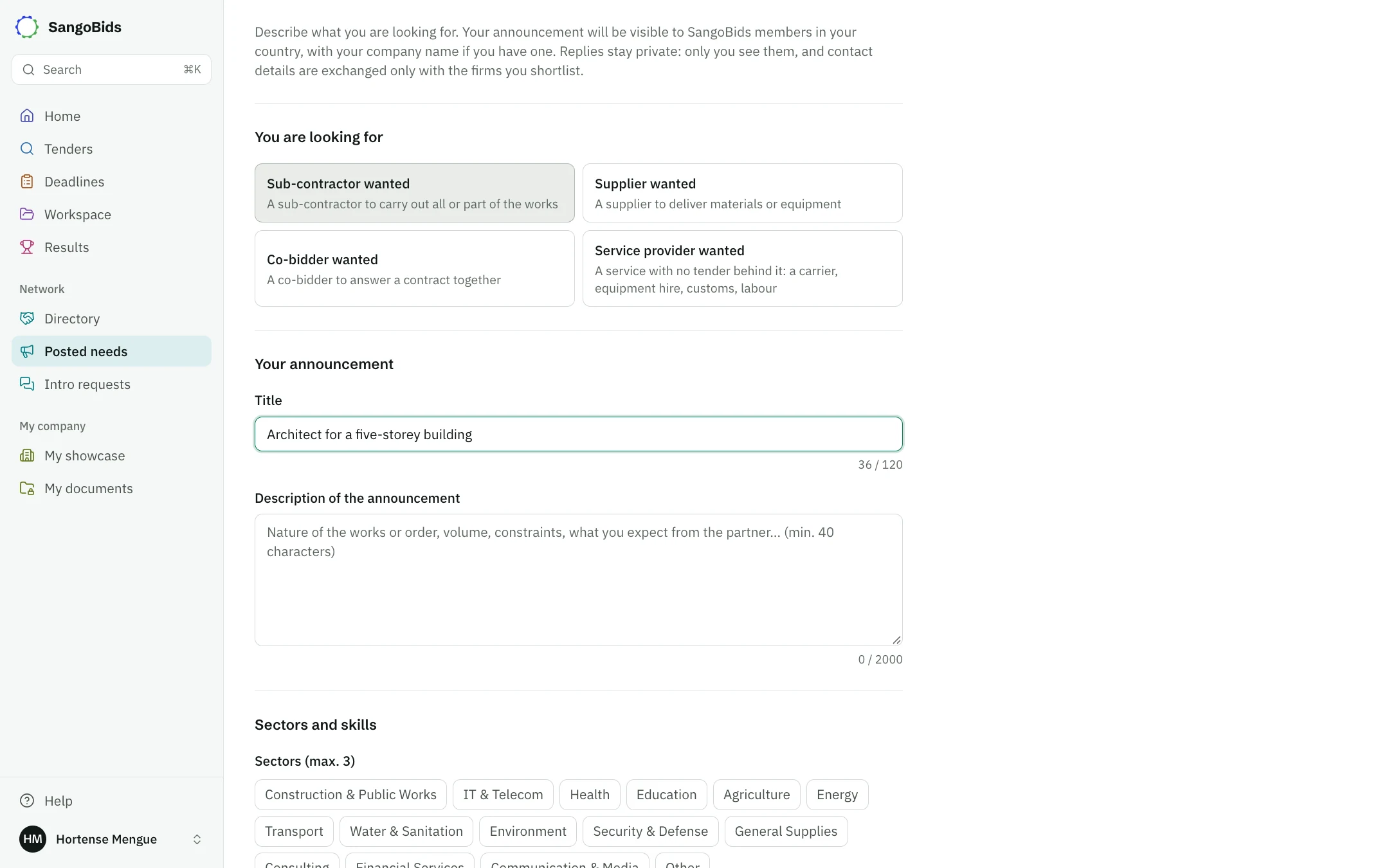
Tap Post an announcement
Give a title, choose You are looking for, then describe the work or the order: volume, constraints, what you expect (at least 40 characters).
Set sectors and skills
Up to 3 sectors and 8 skills. They are used to notify the right companies.
Add the place, budget and dates
All optional. Without a deadline, the announcement stays visible for 45 days.
Tap Post the announcement
Members in your country see it, with your company name, and matching companies get a notification.
Computer
Choose among the replies
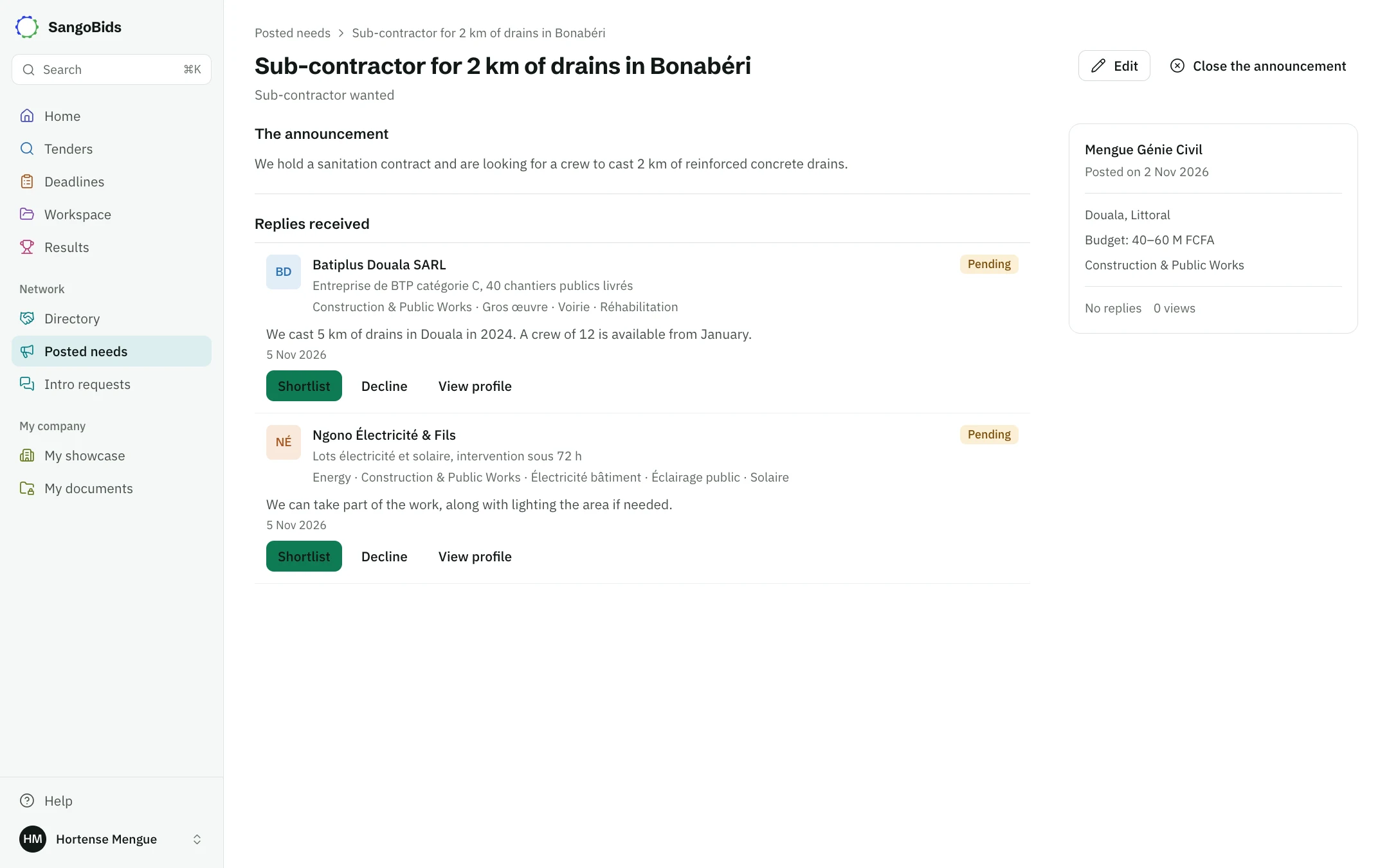
Replies arrive on your announcement's page, and only you read them. View profile shows the company. Shortlist shares your contact details with it and its details with you; Decline tells it that its reply was not retained.
Computer
Edit corrects the announcement while it is open, and Close the announcement ends replies. Everything is in My announcements.
Reply to an announcement
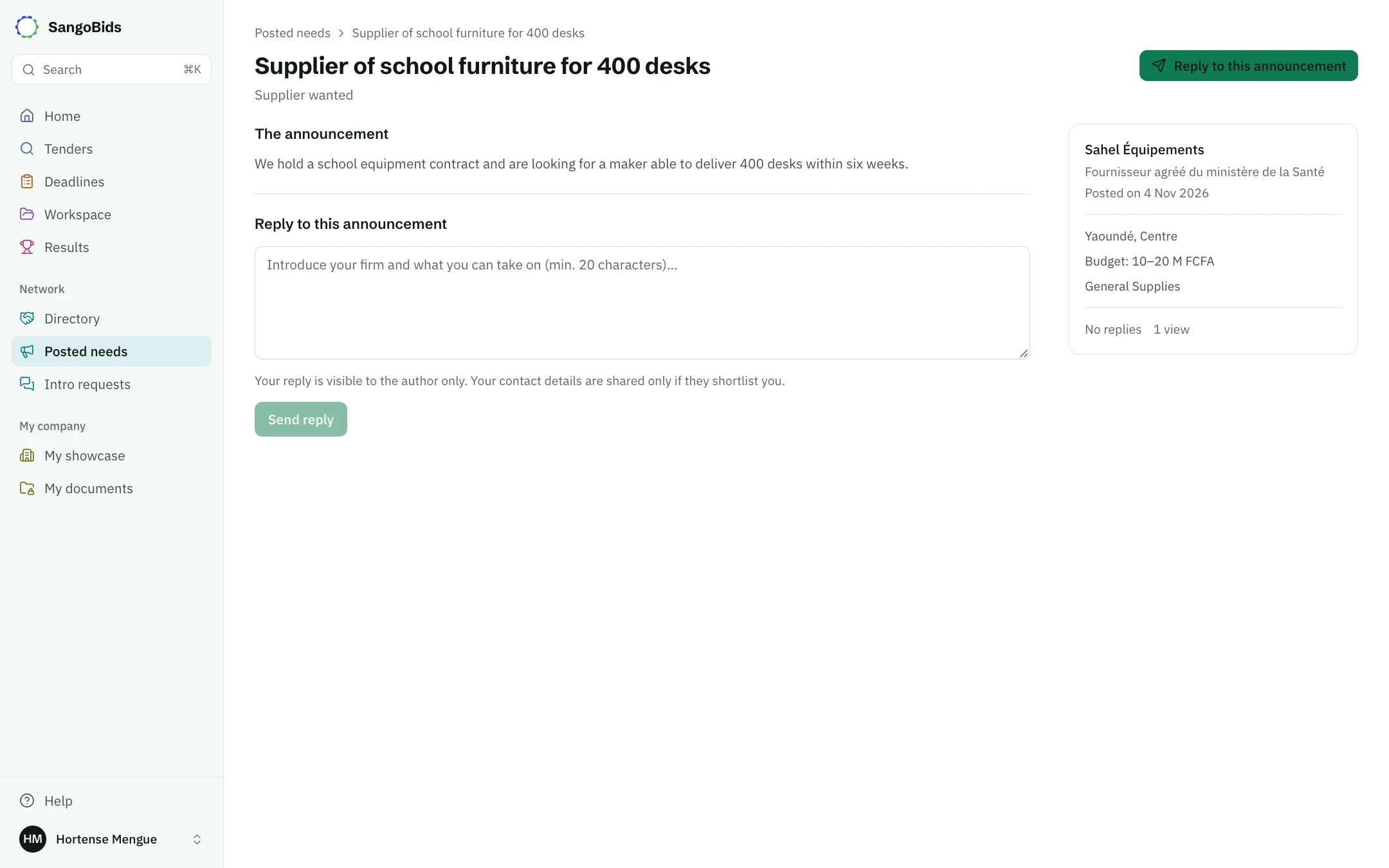
Open the announcement, present your company and what you can take on (at least 20 characters), then tap Send reply. Only the author sees it. You are told if the author shortlists you, and you then see their contact details.
To reply, you need a company profile: it tells the author who you are. My showcase creates one in a few minutes.
Computer
What it does not do
SangoBids does not check announcements or the companies that reply, and takes no part in the agreement. An announcement is not a public tender: for those, see Search for tenders.
Next
Already know which company to contact? Request an introduction. To hear about announcements in your sector, complete My showcase.
Read next
Ready to try?
The account is free and public tenders stay free. Three minutes is enough to receive the first ones.
Get started free